Cover Story
Huawei MatePad Mini: A Tablet That Feels Like a Real Notebook


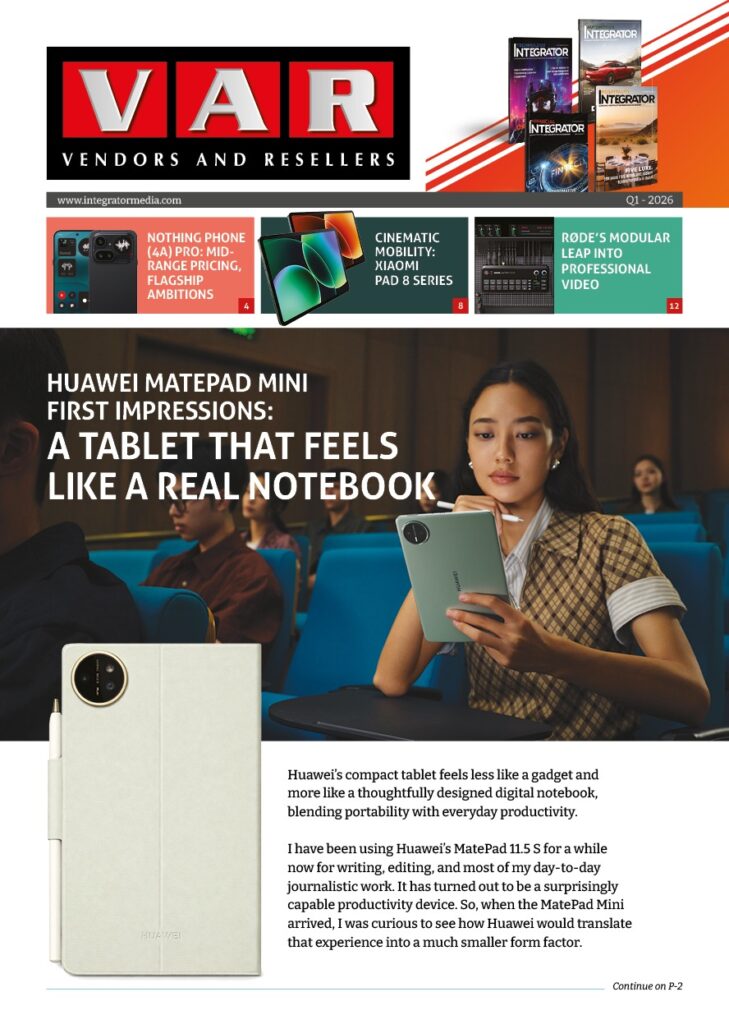
Huawei’s compact tablet feels less like a gadget and more like a thoughtfully designed digital notebook, blending portability with everyday productivity.
I have been using Huawei’s MatePad 11.5 S for a while now for writing, editing, and most of my day-to-day journalistic work. It has turned out to be a surprisingly capable productivity device. So, when the MatePad Mini arrived, I was curious to see how Huawei would translate that experience into a much smaller form factor.
Reviewed By: Srijith KN, Senior Editor, Integrator
Design and Accessories

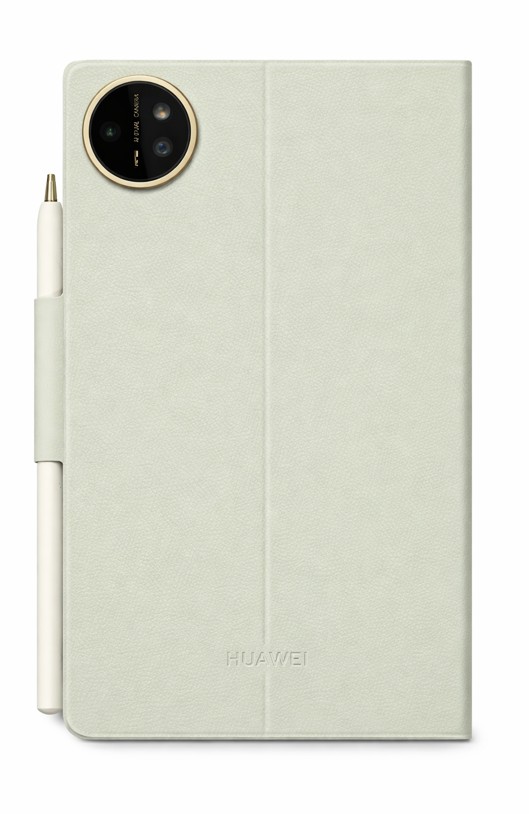
The first thing that stood out during the unboxing was not just the device, its accessories! Huawei has clearly put thought into the overall experience. The tablet ships with well-designed cases, including a transparent option and a diary-style booklet cover.
The diary cover, in particular, immediately felt right to me. It makes the tablet feel less like a gadget and more like a compact notebook you would carry every day. There is a certain familiarity to it, almost like picking up a journal rather than a device.
Huawei also continues to include a charger in the box, and this one comes with a 66W unit, a thoughtful touch at a time when many brands have moved away from bundling one altogether.
Everyday Portability

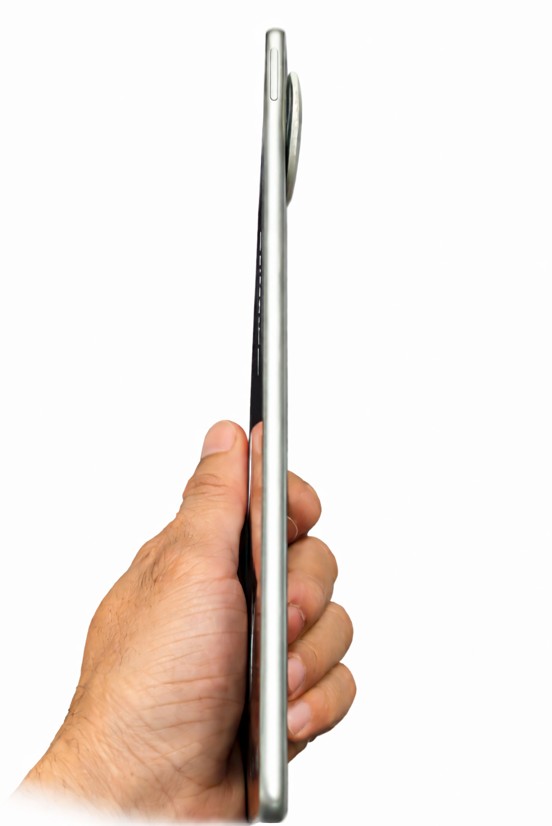
The 8.8 inch tablet immediately feels comfortable in the hand. It is extremely light and compact, measuring just 5.1 mm thick and weighing around 255 grams. That portability is noticeable right away.
In many ways, it feels closer to carrying a paperback than a traditional tablet. I currently use the Nothing Phone 3 as my daily device, and at times even that feels heavier than this. The MatePad Mini, on the other hand, almost disappears in your hands.
Huawei is also using a magnesium alloy body here, which keeps the device light without compromising on rigidity. Given how thin it is, that added structural strength feels reassuring.
A Paper Like Experience That Works
Last night, I found myself reading long articles on it for hours without feeling any strain. That is where the device really begins to make sense.

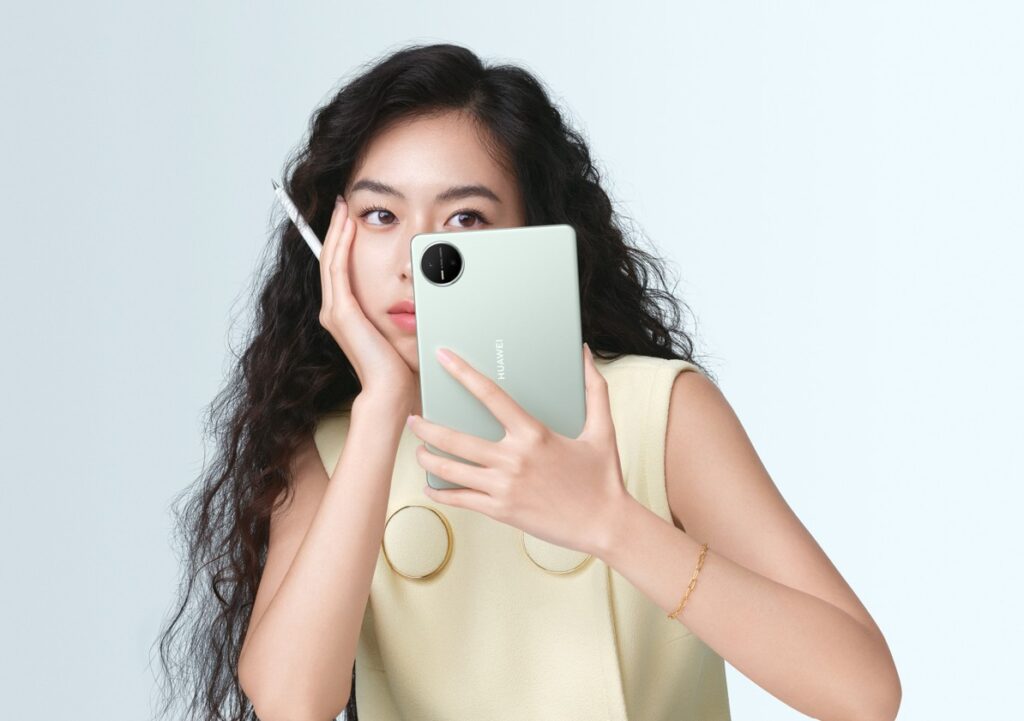
It genuinely feels like a digital paper booklet, built for reading, note-taking, writing, or quickly catching up on work while on the move. The green variant, in particular, features Huawei’s PaperMatte display, and it is easily one of the most distinctive aspects of this device.
Huawei claims the display reduces up to 99 percent of ambient light interference, and in real-world use, that translates into a noticeably glare-free experience. Even under indoor lighting, reflections are minimal, and the screen remains comfortable to look at for extended periods.
At the same time, it does not compromise on performance. With up to 1800 nits of brightness, a 120Hz refresh rate, and a wide color gamut, the display manages to balance readability with visual richness, something that is not easy to get right in smaller devices.
There is also an eBook mode that shifts the display into a black and white, paper like view, along with other settings designed to reduce eye strain during longer reading sessions. Additional options like eye comfort and sleep mode further support extended use.
Writing and Creativity
I also spent some time using the M Pencil for quick notes, and the experience feels surprisingly close to paper. Coming from the MatePad 11.5 S, Huawei continues to deliver one of the better stylus experiences in this space.

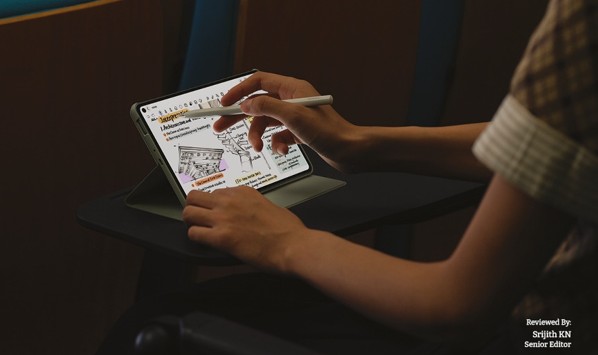
The M Pencil Pro adds more depth to the experience than expected. With different tip options and subtle haptic feedback, writing feels more tactile and intentional, rather than just tapping on glass.
Paired with the updated Huawei Notes app, the experience becomes more refined. Features like handwriting enhancement subtly improve legibility without taking away the personal feel of your writing, making it especially useful for quick notes and longer-form thinking.
Hardware and Performance
The MatePad Mini packs a 6400 mAh battery with support for fast charging, capable of going from zero to full in about an hour. On paper, it looks promising, though I will reserve judgment until I have spent more time with it.

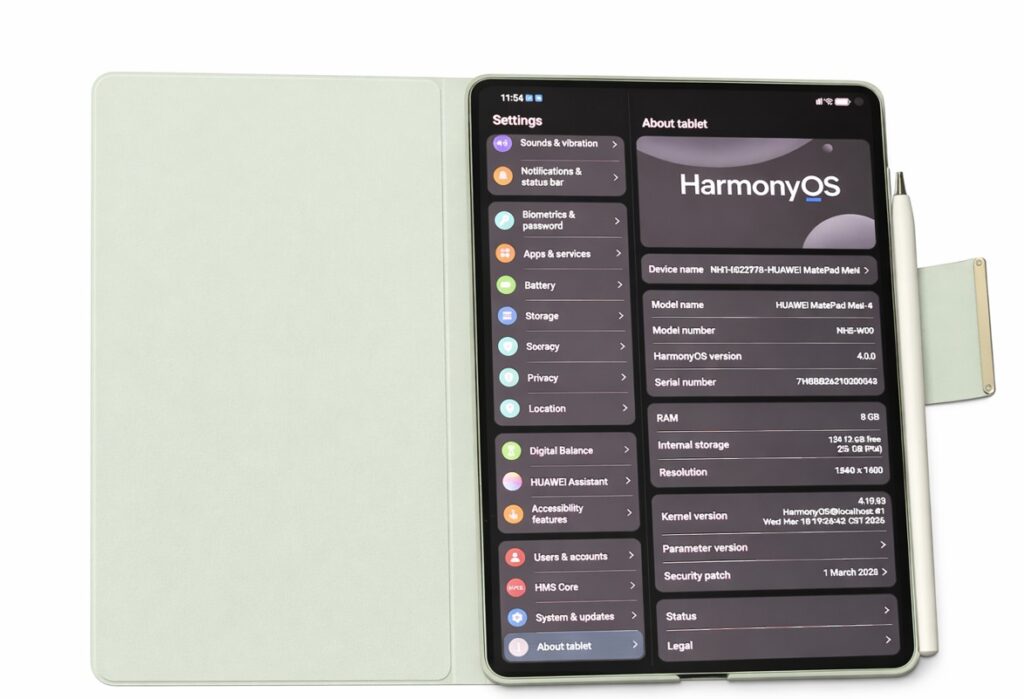
On the hardware side, it includes a 50MP rear camera and a 32MP front camera, along with stereo speakers, Wi-Fi 7, USB-C 3.0, and a fingerprint sensor, something I wish Huawei had included on the MatePad 11.5 S as well.
Editor’s Perspective
Whenever I am seen using a Huawei device, the first question that comes up from people around me is usually about the ecosystem, particularly about Google services.
I too had similar concerns earlier, but having used Huawei devices for a while now, the experience has been smoother than expected. HarmonyOS feels clean and fluid, and tools like GBox make it possible to access most essential apps. Even for someone deeply tied to Google services, it has been more manageable than I initially thought.
What becomes clearer over time is that this is not just a smaller tablet. It sits somewhere between an eBook reader and a productivity device, built for focused, everyday use.
The MatePad Mini does not feel like Huawei shrinking a tablet. It feels like a refinement of how a compact device should actually be used. Its notebook-like form, paper-inspired display, and practical accessories make it easy to carry, pick up, and use throughout the day.
It is still early days, but the first impressions are strong. In a crowded tablet market, this feels like one of the more purposeful and interesting form-factor than the other compacts that we have seen in a while.